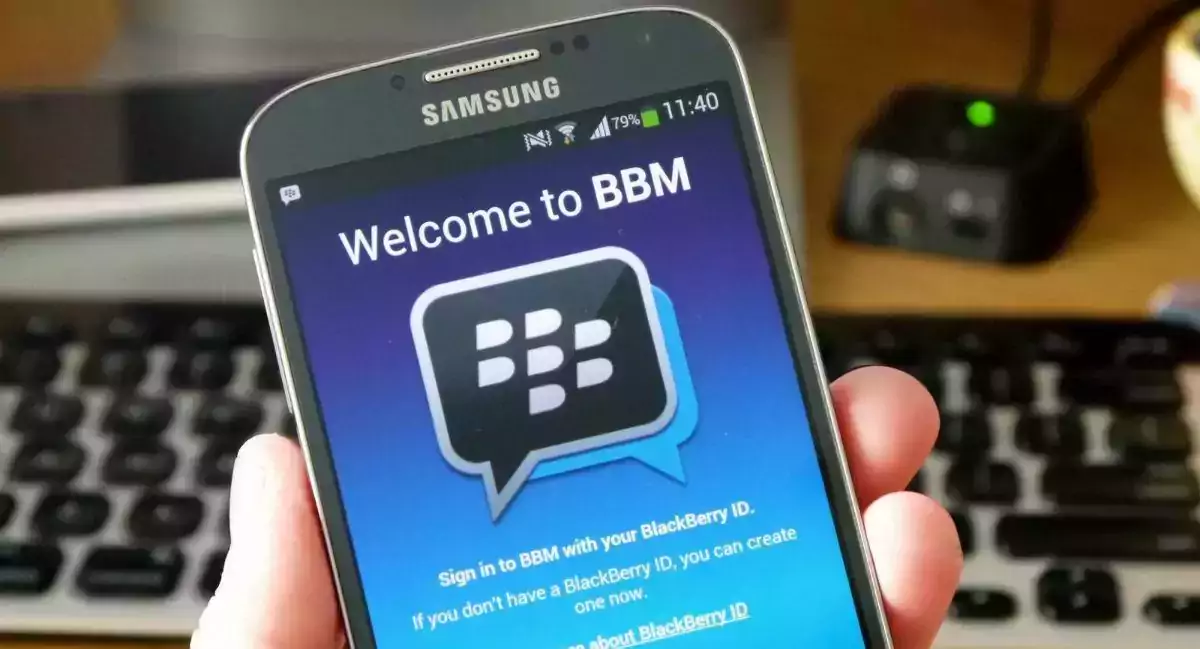

[vc_row][vc_column][vc_column_text]Creative Media Works has announced the latest update to BBM for Android, which brings lots of improvements to the media sharing experience.
Every photo and video sent and received are automatically now sent in HD quality. and users no longer need to ‘Request HD’.
Users can now selectively auto-download photos and videos using Wi-Fi only, or a combination of Wi-Fi and mobile data, taking more control over their data consumption.
Summary of What’s New:
Every photo and video sent and received are automatically HD quality. Users no longer need to ‘Request HD’. Take control over your data consumption.[/vc_column_text][vc_column_text]
BBM Video Chat System Requirements and FunctionalityBlackBerry 10
BlackBerry 10 OS required BlackBerry 10 smartphones are able to start BBM Video Chats to other BlackBerry 10 smartphones BBM Video Chat between BlackBerry 10 and Android or iOS devices is not supported and will provide the option for BBM Voice ChatiOS
iOS version 8 and later required iOS devices are able start BBM Video Chats between other iOS and Android OS devices When a BBM Video Chat is started on an iOS device to BlackBerry 10 smartphones, the call will change to a BBM Voice ChatAndroid
Android OS 4.4 (KitKat) and later required Android OS devices are able to start BBM Video Chats between other Android OS and iOS devices When a BBM Video Chat is started on an Android device to BlackBerry 10 smartphones, the call will change to a BBM Voice ChatThe following is also noted by BlackBerry
Asus phones (and any mobile device using an Intel chipset) are currently not supported and will establish a BBM Voice Call Motorola Moto X (XT1092, XT1095, XT1096) and Lenovo Vibe X (S960) may see one way video, or poor video during a BBM Video Chat[/vc_column_text][/vc_column][/vc_row][vc_row css=”.vc_custom_1490465819137{margin-top: 5px !important;margin-right: 5px !important;margin-bottom: 5px !important;margin-left: 5px !important;border-top-width: 5px !important;border-right-width: 5px !important;border-bottom-width: 5px !important;border-left-width: 5px !important;padding-top: 5px !important;padding-right: 5px !important;padding-bottom: 5px !important;padding-left: 5px !important;background-color: #f4f4f4 !important;border-left-color: #eaeaea !important;border-left-style: groove !important;border-right-color: #eaeaea !important;border-right-style: groove !important;border-top-color: #eaeaea !important;border-top-style: groove !important;border-bottom-color: #eaeaea !important;border-bottom-style: groove !important;}”][vc_column width=”1/3″][vc_single_image image=”97858″ img_size=”full” alignment=”center”][vc_single_image image=”96823″ img_size=”full” alignment=”center” onclick=”custom_link” img_link_target=”_blank” link=”https://play.google.com/store/apps/details?id=com.bbm&hl=en_GB”][/vc_column][vc_column width=”1/3″][/vc_column][vc_column width=”1/3″][vc_column_text]Version: Varies with device Updated: December 6, 2017 Category: Messaging Price: Free Requirements: Varies with device Developer: BlackBerry Contains Ads: Yes In-app Purchases: Yes[/vc_column_text][/vc_column][/vc_row]